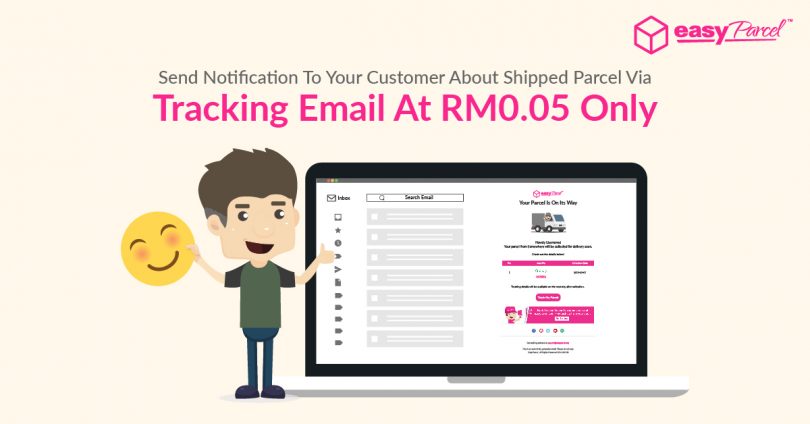
Let’s extend your customer service after the point of purchase by keeping your customers informed via Tracking Email!
You can now send tracking details such as selected courier, tracking number and even collection date to your receivers automatically via email upon check out the shipment from your cart.
With this, you can reduce customers’ questions about the status of their parcel delivery as the “Track My Parcel” button in the email can simply link to EasyTrack and automatically figure out the latest delivery statuses in seconds.
Here’s what your receiver will get in their mailbox when you turn on Tracking Email for the shipment:-

How much do I need to pay?
| EP1000 or below top up users | RM0.05 per Tracking Email |
| EP2000 or above top up users | Free (promo duration subject to your selected top up package) |
How To Apply Tracking Email?
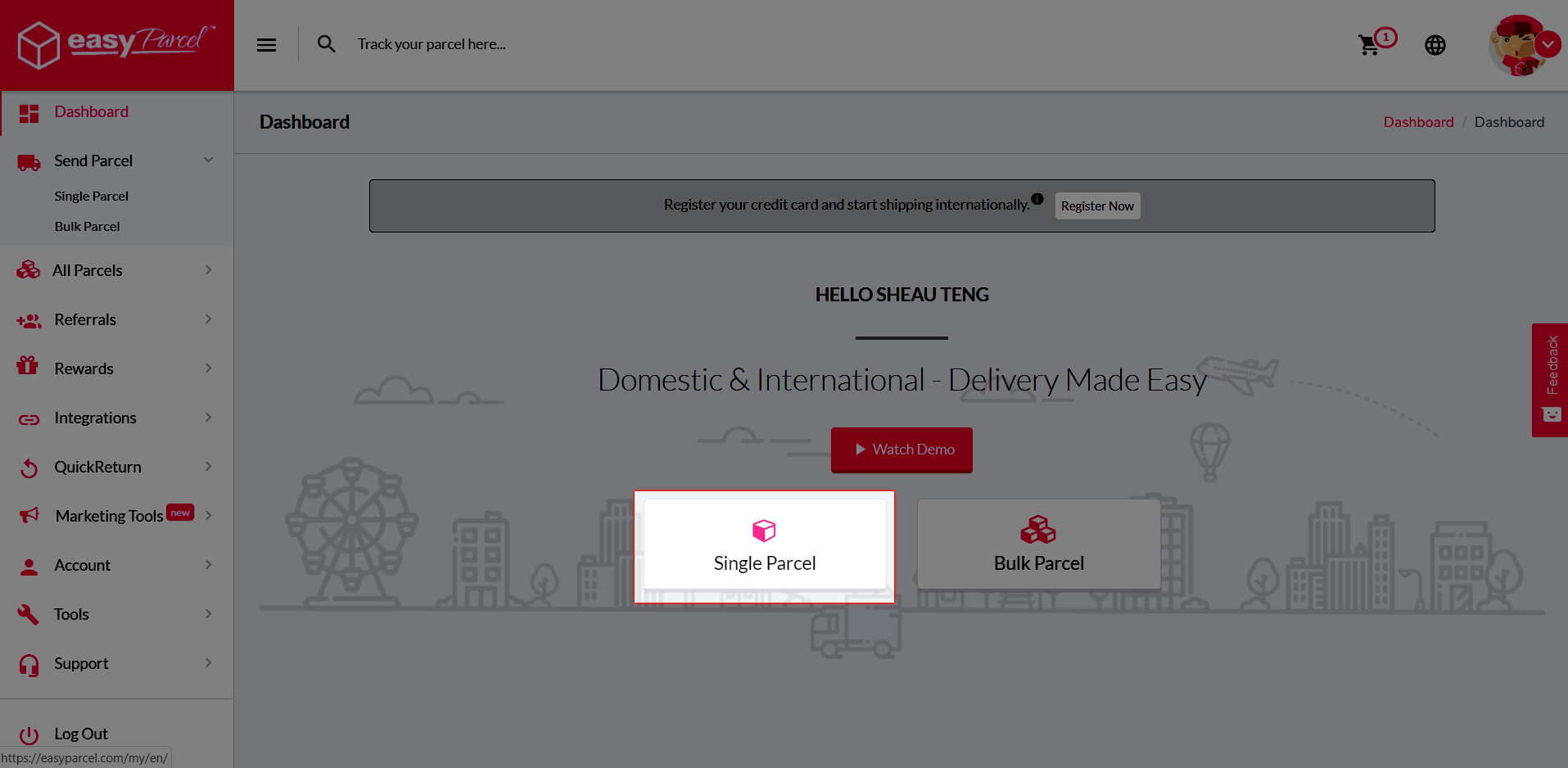
Step 1: Book your shipment as usual.
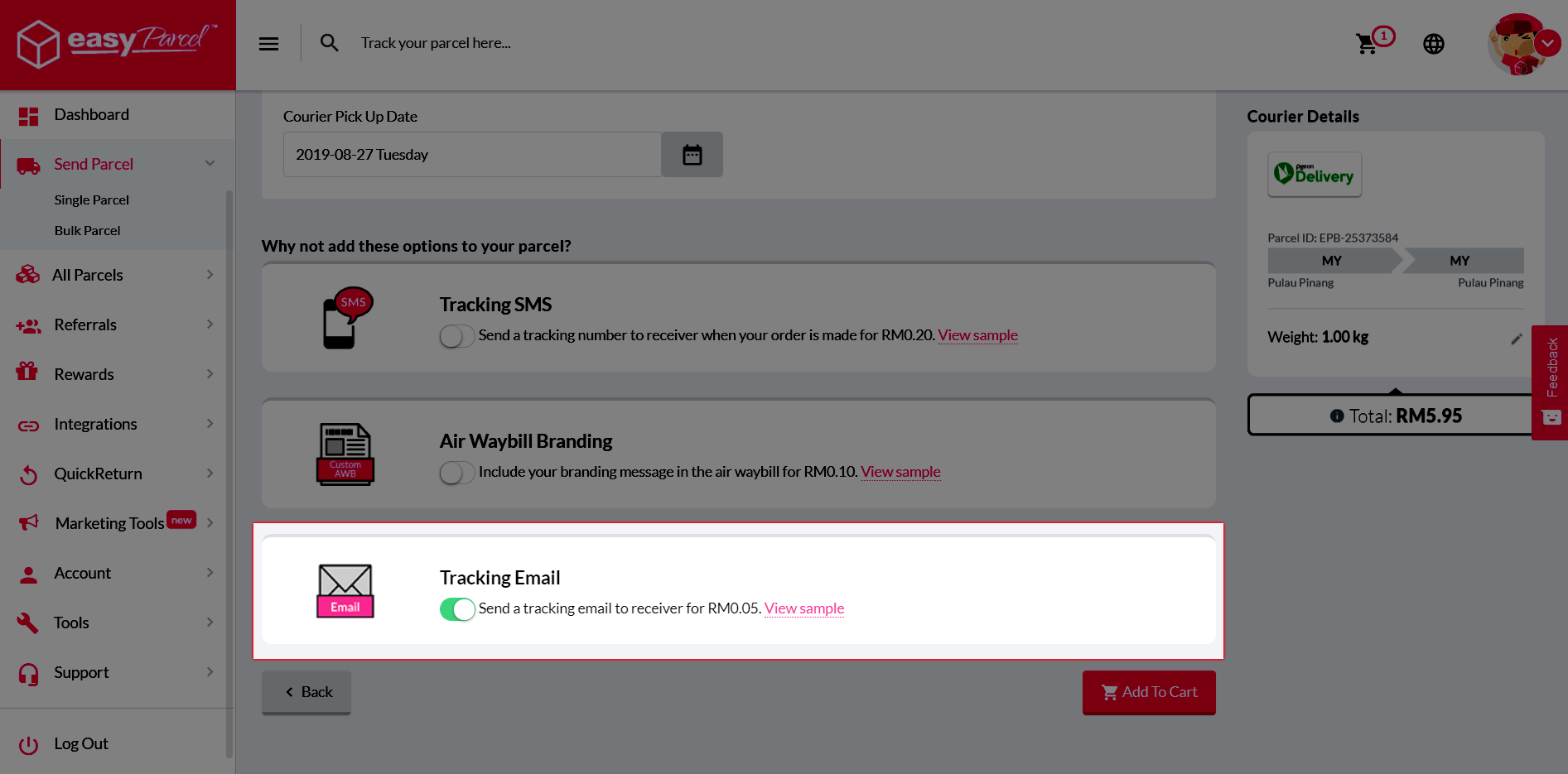
Step 2: Turn on Tracking Email after you filled in parcel details and then proceed to check out.
Not only that, you can also customize your Tracking Email by adding in your own brand, change the theme color and even add in promotional banner to shout out for your latest promotion at extra RM0.05 only. Wondering how? Just click on the button below to find out more!