Everyone did it – you turn on your laptop and swear to be productive today. The next thing is, few hours have passed and you’ve been wasting at least half of your time scrolling the social media or watching video.
You can actually make your days more efficient using browser extensions and say goodbye to disruption on the web. Lucky for you if you’re using chrome as there is a interesting fact in a research that Chrome users has blessed than others. Let’s have a look at the 6 best Chrome extensions that help you get through the day with higher productivity!
1. Hunter – find email addresses in seconds
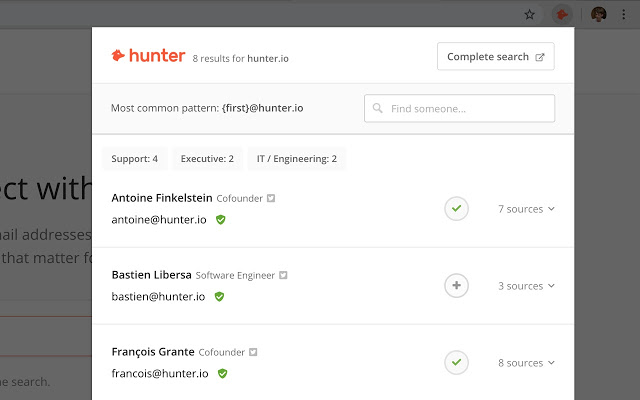
Tired of searching email on website? The Hunter app fixes that by crawling the website for email addresses and returning all of the results in seconds with a list of name, email address, and even job title. Best of all, they do it for free and you’ve got everything you need just a few clicks on the Hunter chrome extension!
Average rating – 4.7/5 (11,700+ reviews)
2. Grammarly – grammar and spell checker
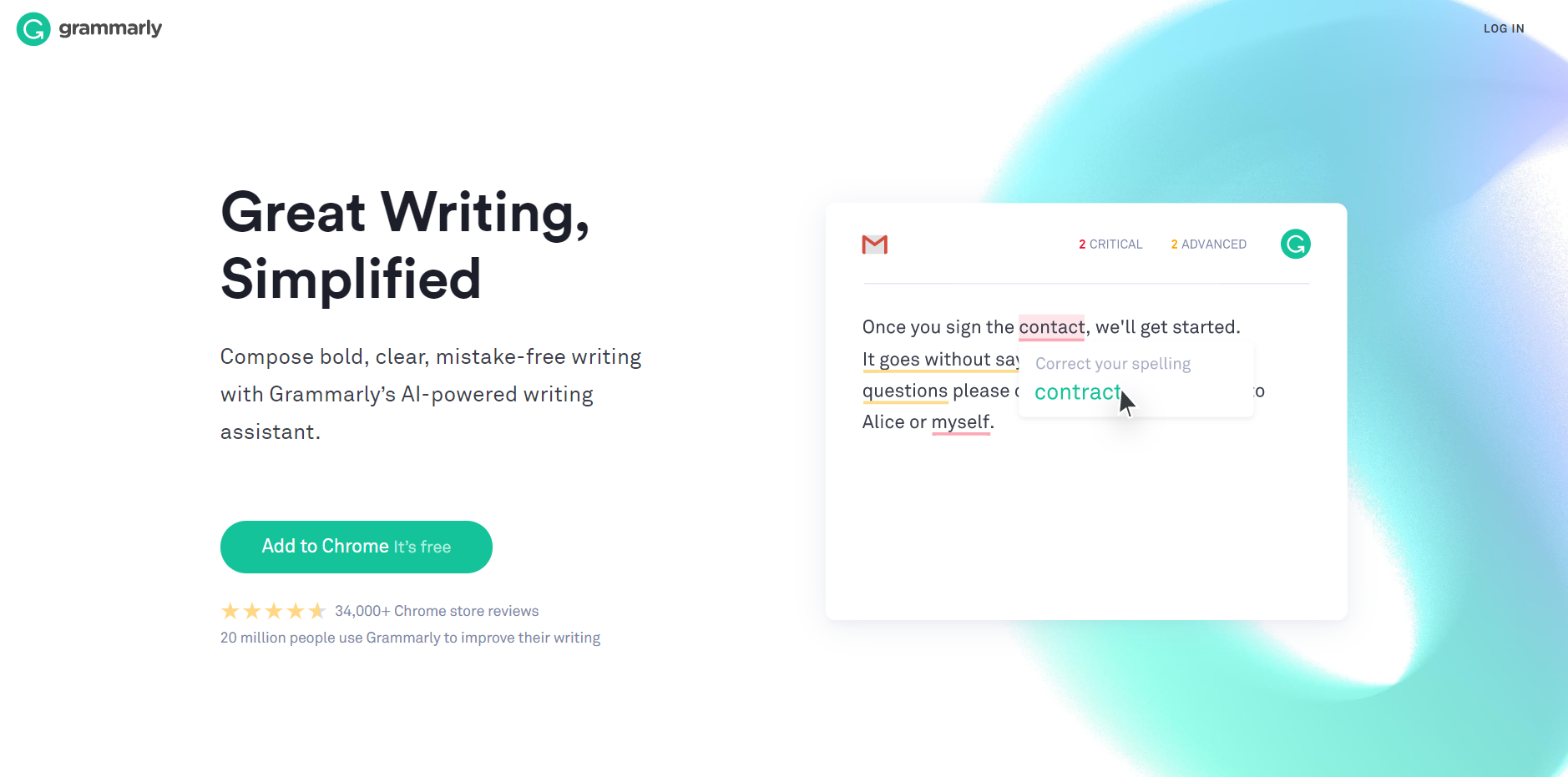
Grammarly can be a rejoice for social media marketers and copywriters! It helps to enhance your written communication everywhere you type. Adding Grammarly to Chrome means that your spelling and grammar will be vetted on Gmail, Facebook, Twitter, LinkedIn, Tumblr, and nearly everywhere else you write on the web. Other than spell check for web uploads, you also can get the right replacement of the same which you can directly select in a few clicks.
Average rating – 4.6/5 (36,600+ reviews)
3. LastPass – free password manager
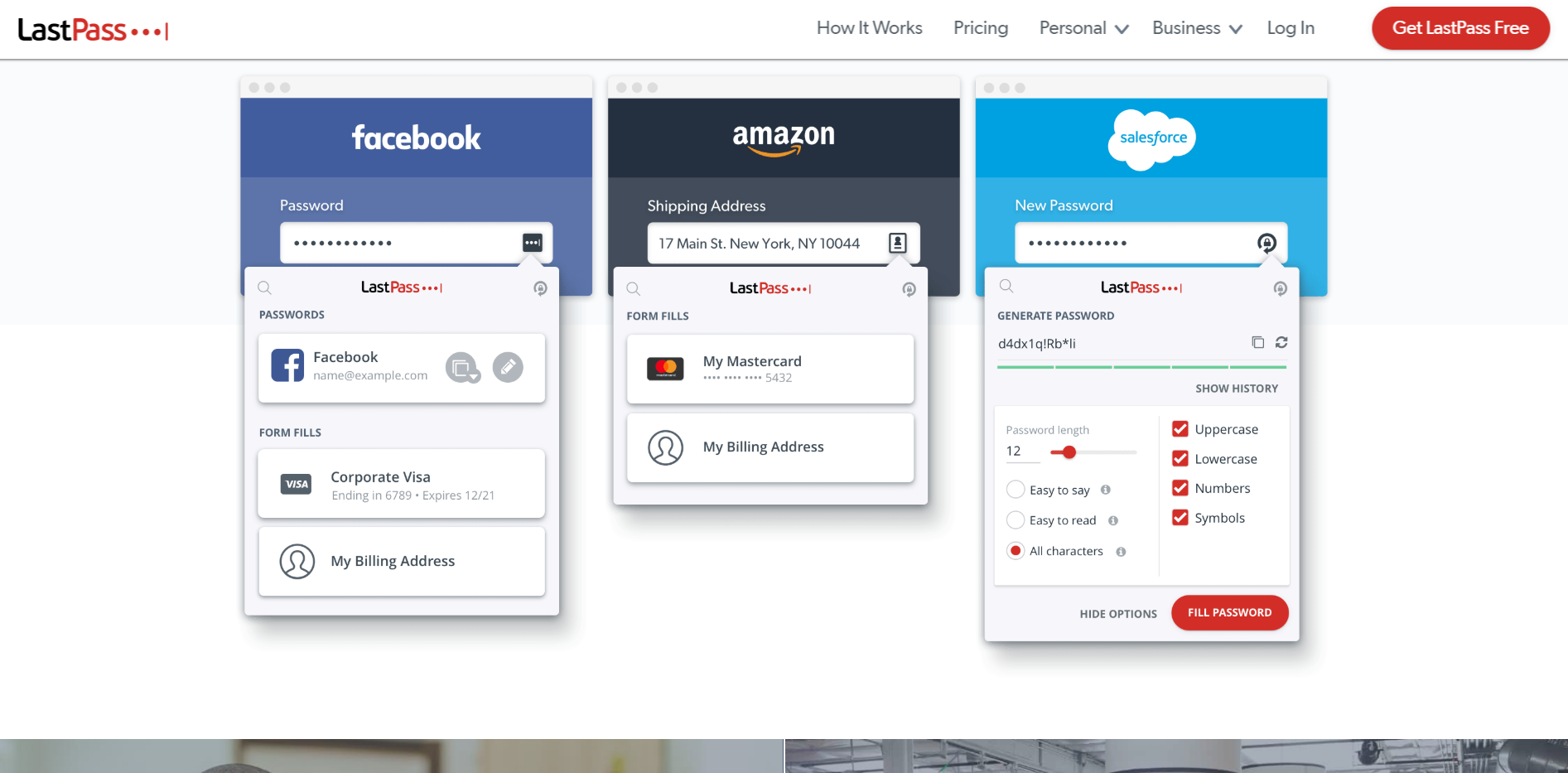
When you go to every single website ever and can’t remember your password, the team from LastPass comes to your rescue to save you from any password-induced nightmares. Just make use of LastPass and it saves all your passwords in one place, so you just need to remember one master password of your LastPass. And it will auto-login to your sites and sync your passwords everywhere you need them.
Average rating – 4.6/5 (28,600+ reviews)
4. Pushbullet – connect your devices into one platform
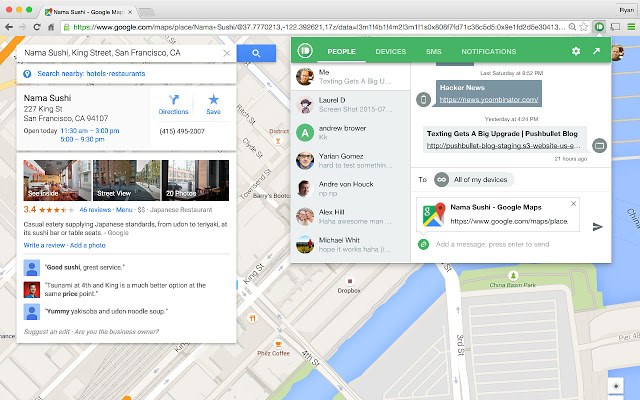
Content sharing from desktop to another device is getting easier when you heard of Pushbullet. Instead of grabbing your phone on table, you also can actually see all of your phone’s notifications on your computer, including phone calls and even send message via various social media channels, such as WhatsApp and Facebook Messenger. And all you’ll need both the Android app and chrome extension to get started with Pushbullet!
Average rating – 4.5/5 (5,200+ reviews)
5. Save to Pocket – save and read content everywhere
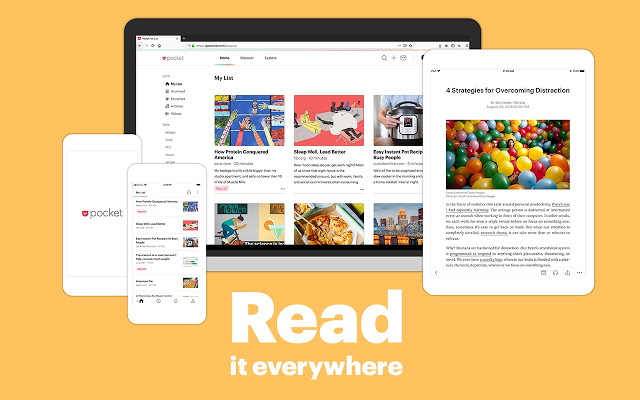
When you want to read an article later, the easiest and fastest way is to save it using Pocket chrome extension. The contents that you save automatically sync with all your devices, and you can even access them offline. So, you can read them in a clean, distraction-free space, whether you’re at home, in office or while you’re waiting for the dentist appointment.
Average rating – 4.3/5 (7,500+ reviews)
6. Boomerang for Gmail – scheduled sending and email reminder
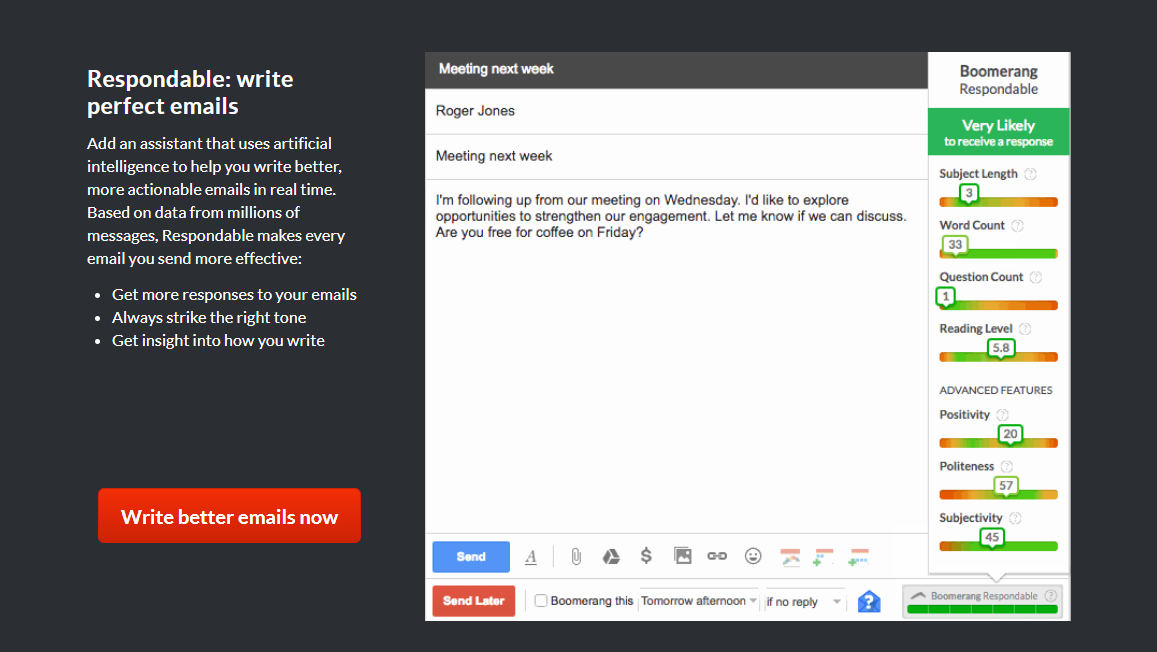
Write a message now and send it whenever you want even you’re not online is achievable with Boomerang for Gmail. Other than that, it also allows you to track the responses, and know whether the recipient has opened your email or not. The best part is this tool also brings an AI-powered assistant, Respondable to analyze the effectiveness of your email in starting a conversation or keeping one going.
Average rating – 4/5 (1,700+ reviews)
As you can see, there are so many powerful chrome extensions out there, just waiting to be added to your pocket list to boost your productivity. Try on it and tell us what’s your favorite!