Greetings! We’re bringing you a brand new courier that will provide international service to you guys. It’s SF Express. For now, SF Express will be covering major countries such as listed below:-
| Countries | Delivery Time Frame |
| Singapore | 1 working day |
| China, Vietnam, Thailand, Taiwan, Hong Kong, Macau, Japan, South Korea, Myanmar | 3 working days |
| Indonesia | 4 working days |
| Australia, Mongolia, Cambodia, United States | 5 working days |
| Brunei | 6 working days |
| Mexico, Canada, New Zealand | 7 working days |
| United Kingdom, Germany, Portugal, France, Netherlands, Belgium, Spain, Poland, Luxembourg, Czech Republic, Sweden, Romania, Ireland, Brazil, Cyprus, Malta | 8 working days |
| Denmark, Italy, Austria, Finland, Slovakia, Hungary, Slovenia, Estonia, Lithuania, Latvia | 10 working days |
| Greece, Bulgaria, Croatia | 12 working days |
Worried not. We will be covering more countries very soon.
What about the rate? As there will be price fluctuation from time to time depending on the courier service provider due to fuel & handling surcharges, our best suggestion for you to get an accurate pricing for your delivery order is to obtain it from our website at EasyParcel.
From there, all you need to do is pretty simple and straightforward. Simply provide your collection and delivery details together with the weight of your parcel and you will be given a list of pricing by different courier. You can then select the preferred one to go for that particular delivery. Easy right?
By the way, you will need to register your credit card for verification and account activation for international shipping.
* International Delivery service is only available for West Malaysia.
How To Book International Delivery Using SF Express?
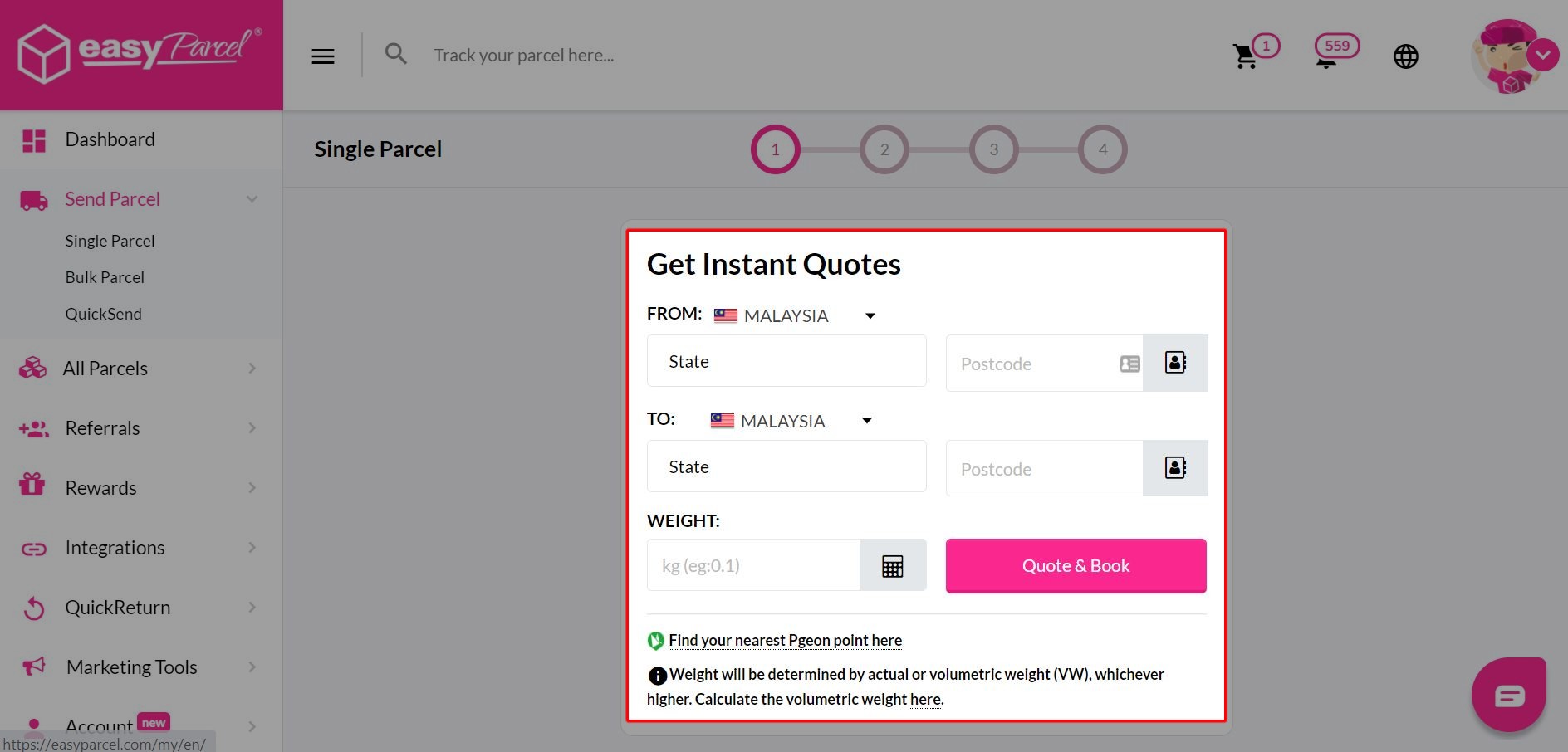
Step 1: Key in pickup and delivery postcodes together with the weight of your parcel, then click “Quote & Book”.
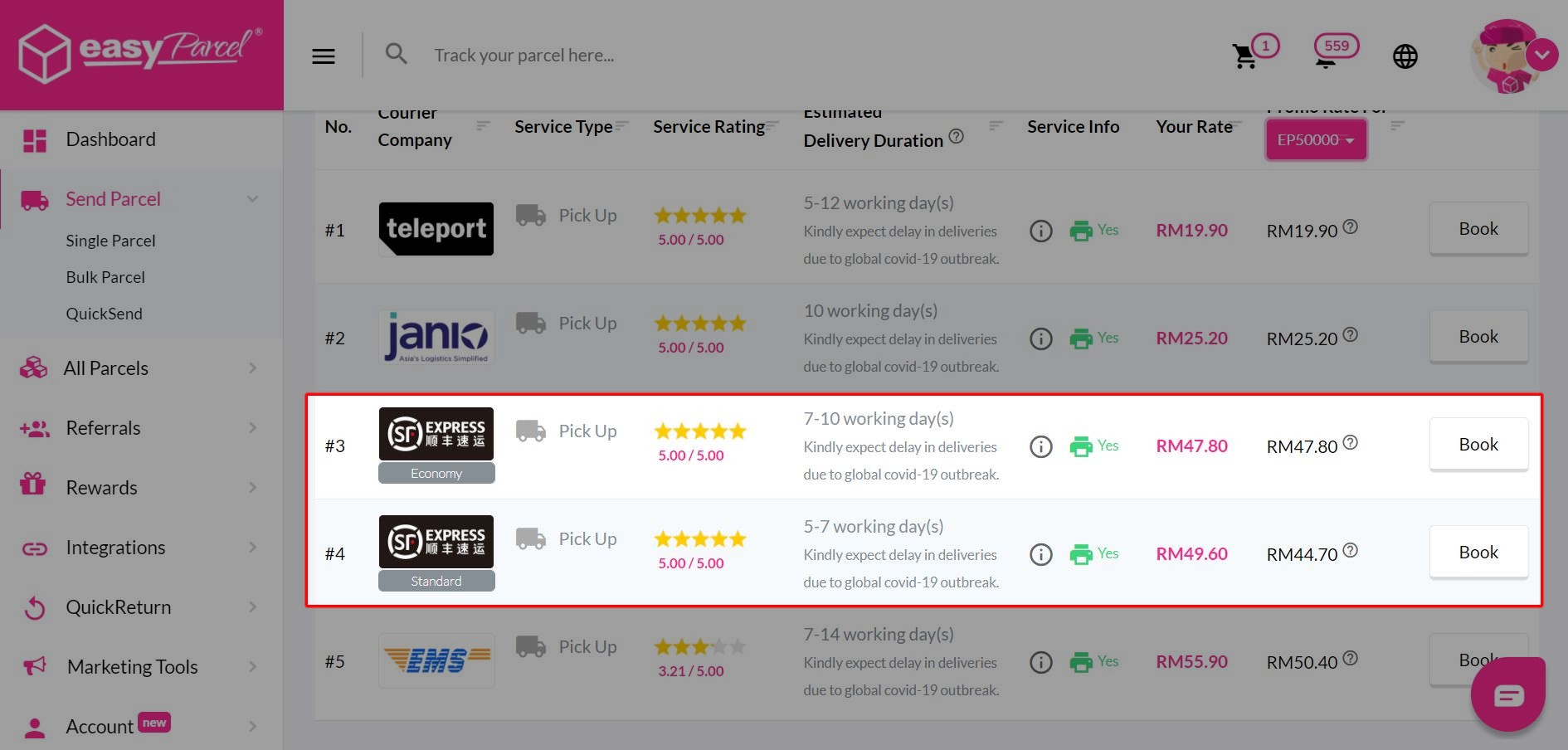
Step 2: Click “Book” to select SF Express as your delivery service provider.
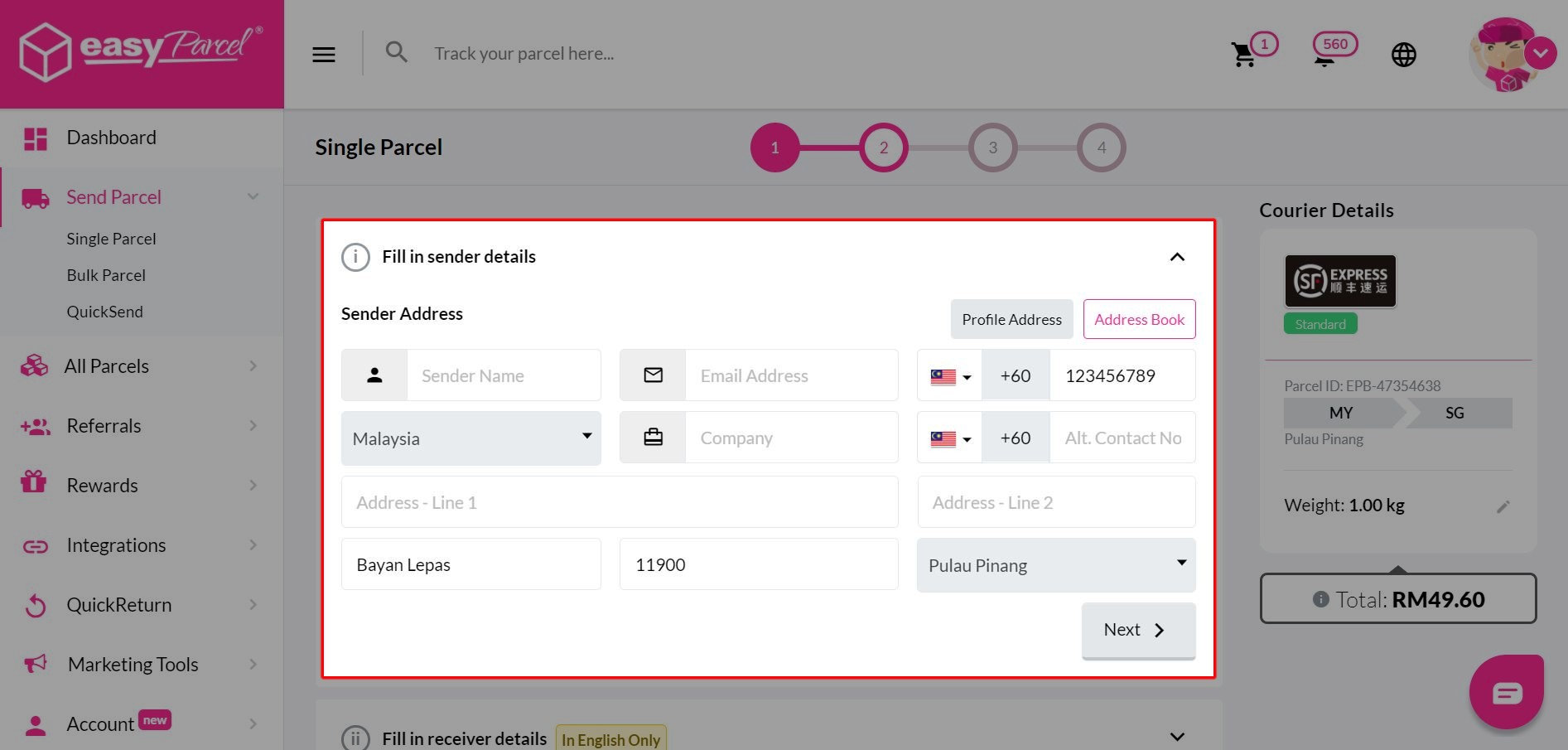
Step 3: Key in sender’s details.
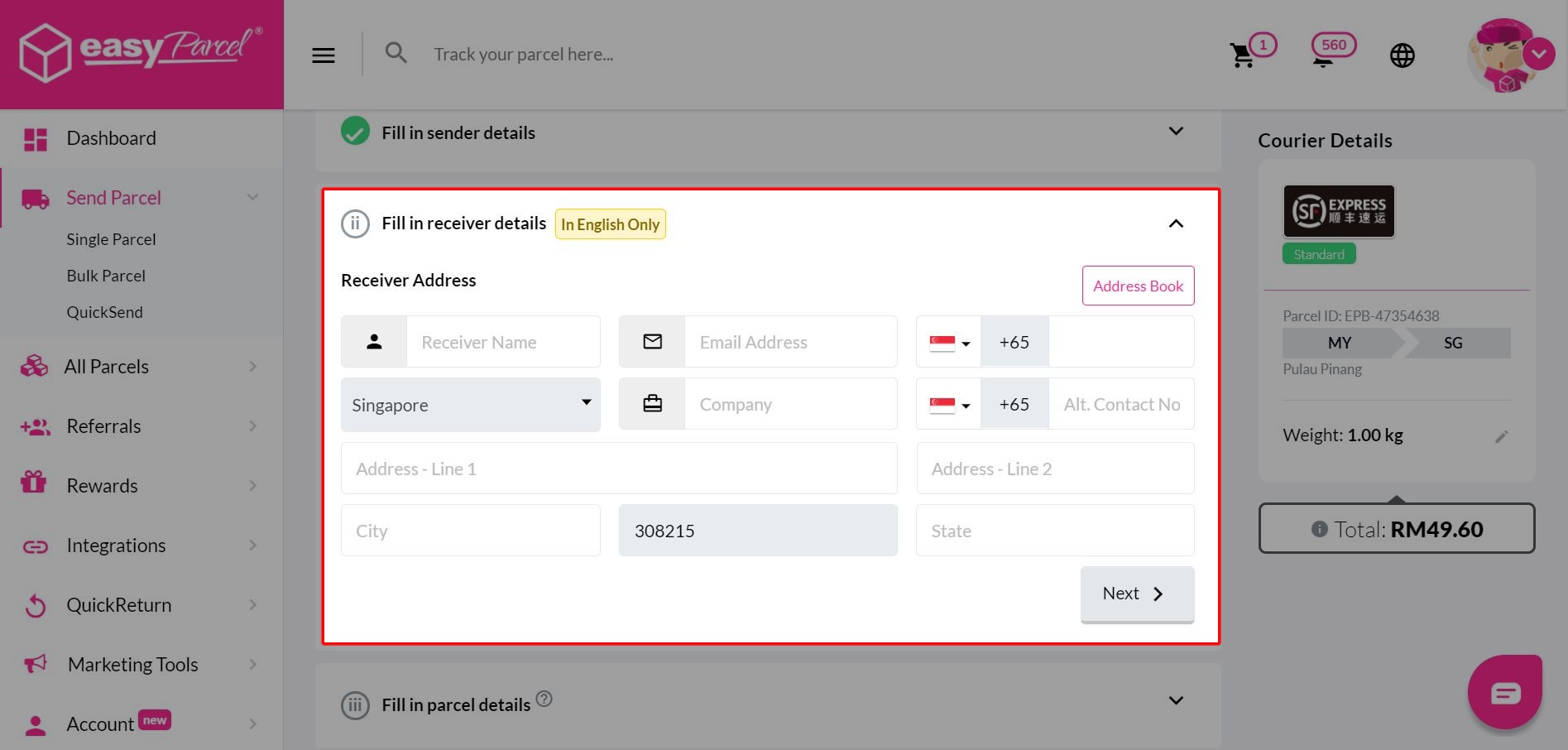
Step 4: Key in receiver’s details.
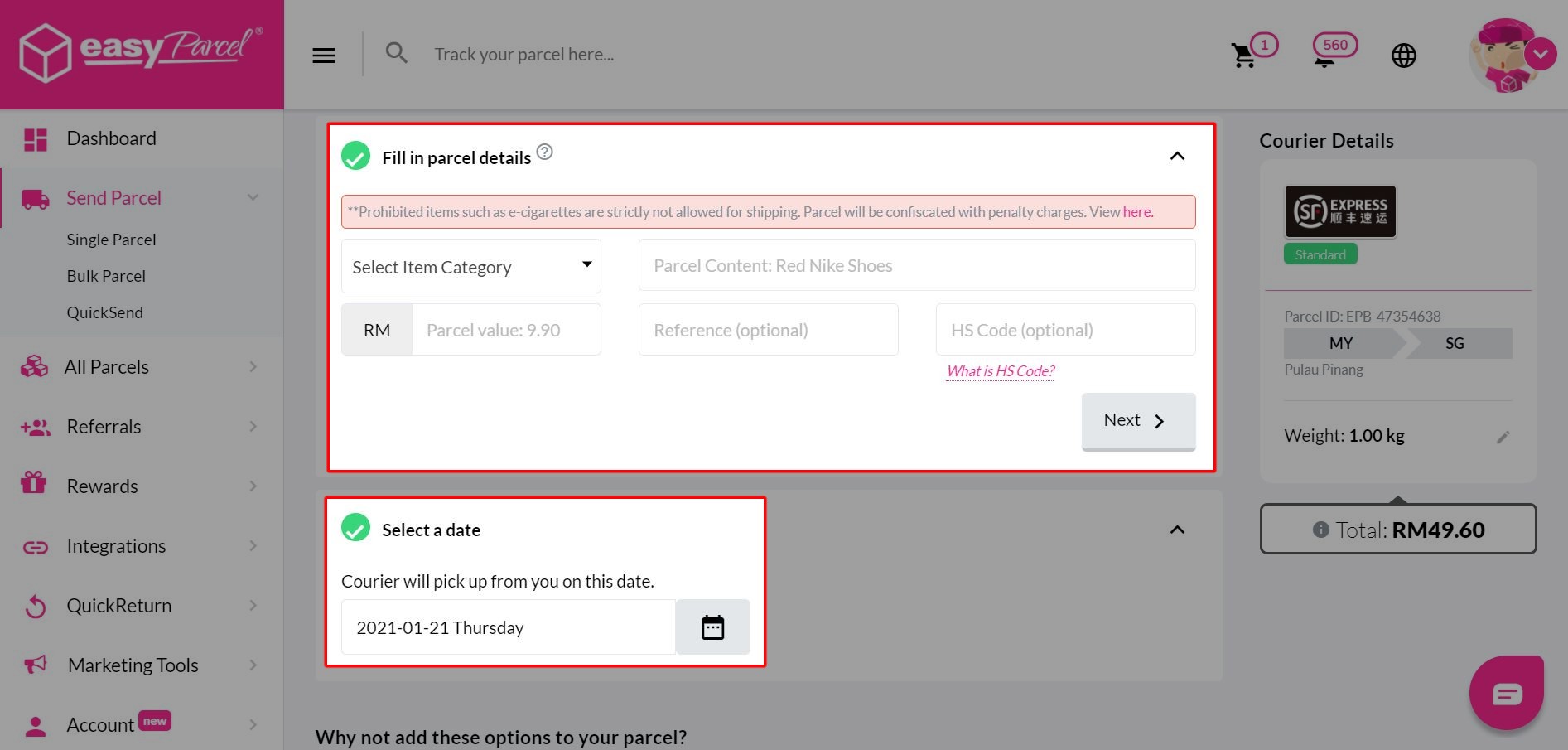
Step 5: Key in parcel details, and select a pick up date at your convenience.
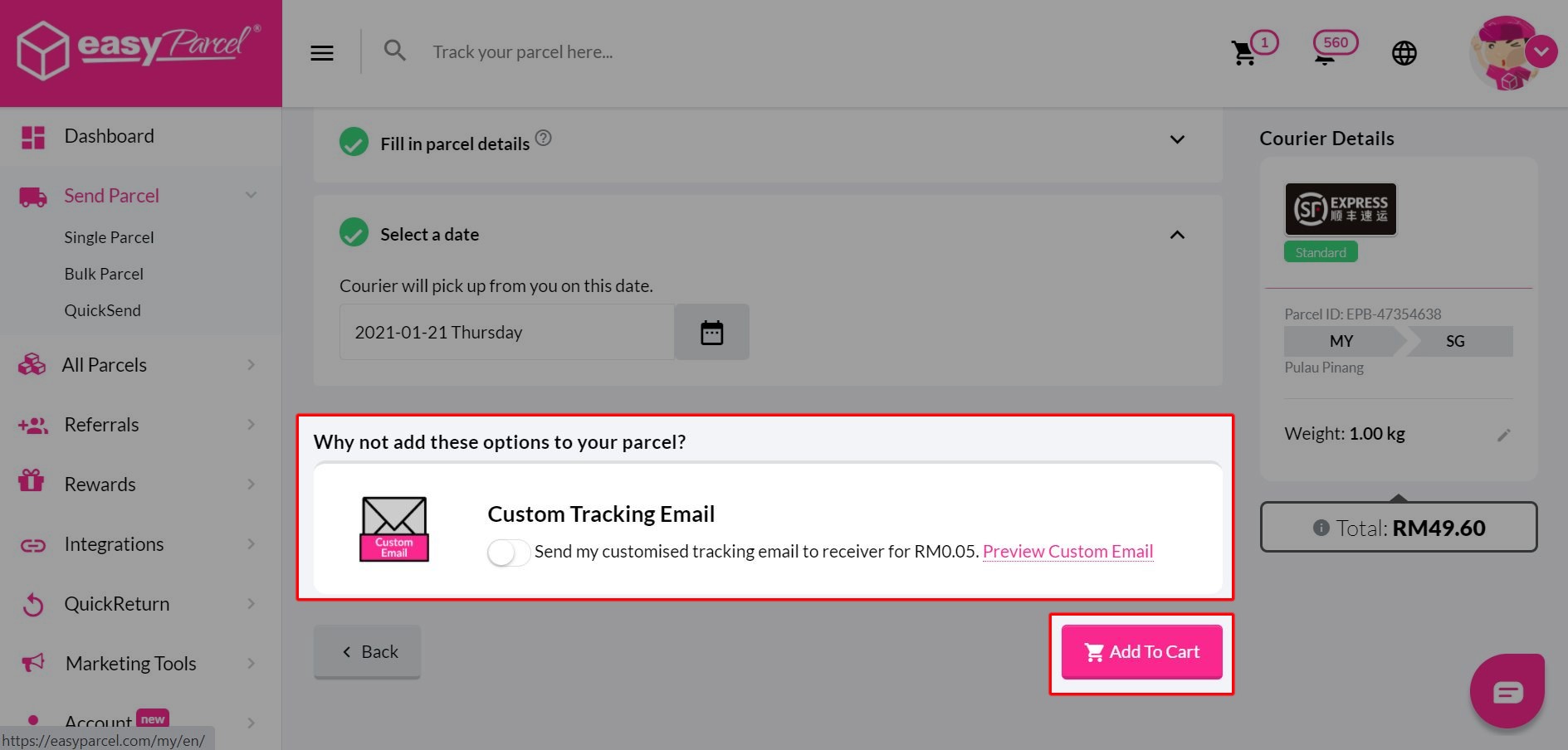
Step 6: Add on any optional features to complement your delivery process. Then, click “Add To Cart”.
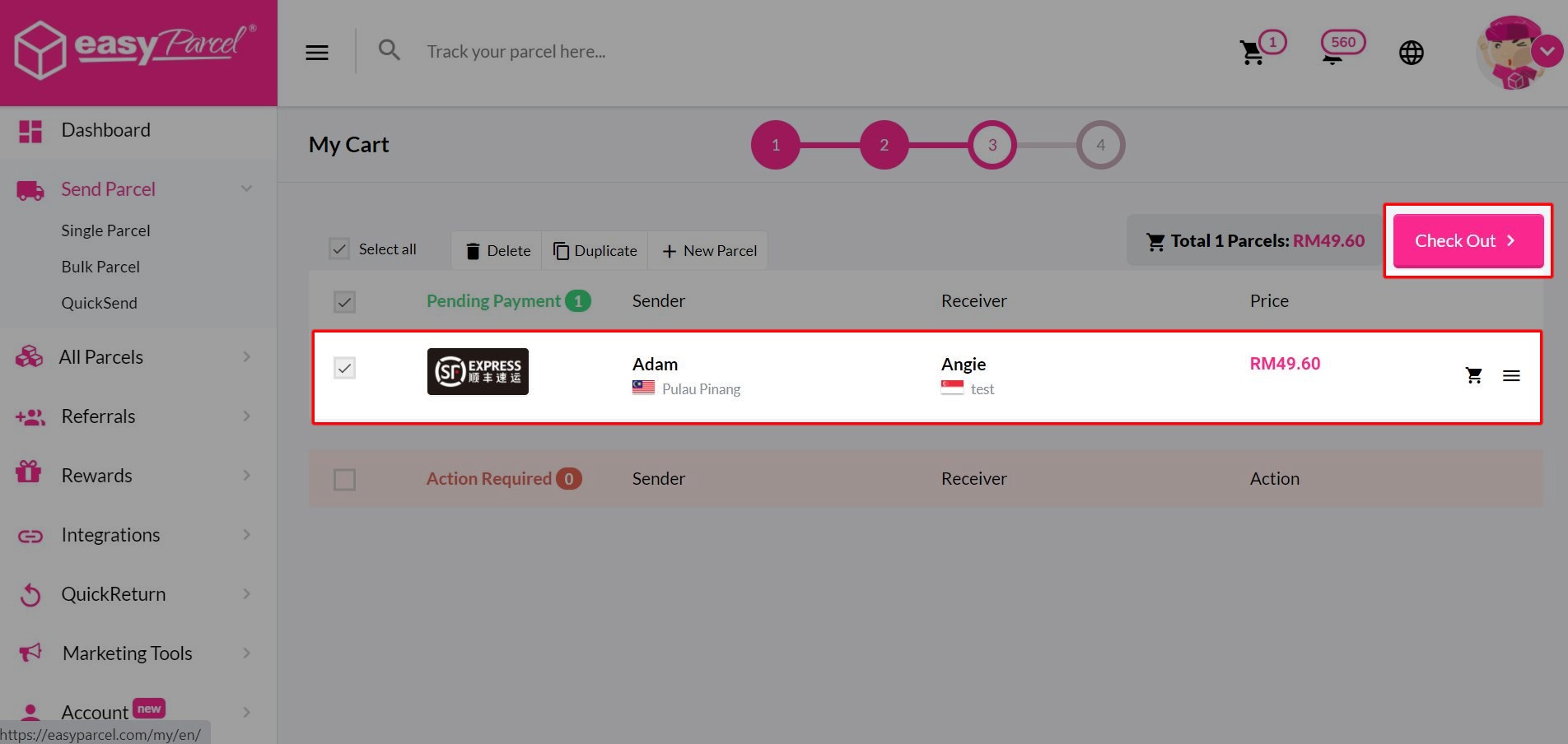
Step 7: Click “Check Out” to proceed to the payment page, and you’re done with your booking.