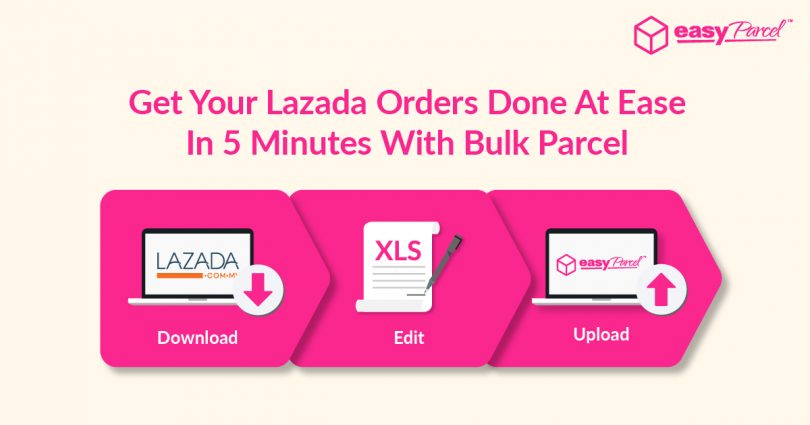
Are you selling products in Lazada? Good news for you guys. Now you can eliminate the hefty tasks of placing each and every Lazada order individually. We are launching our Lazada Bulk Upload Tool.
All you have to do is “Download” > “Edit” > “Upload” and proceed to Checkout whenever you are ready.
Where To Download The Lazada Order XLS File?
 STEP 1: Click on “Export”.
 STEP 2: Proceed by clicking on “Export All Ready To Ship Orders”.
 STEP 3: File will be generated and click on “Download”.
How To Upload Lazada Orders To EasyParcel?
-1.png) STEP 1: Select “Bulk Parcel” on the dashboard or select “Send Parcel > Bulk Parcel”.
-2.png) STEP 2: Download the Lazada bulk parcel template.
-3.png) STEP 3: Fill in details in the template.
-4.png) STEP 4: Click “Import Order” once done.
-5.png) STEP 5: Select the template.
-6.png) STEP 6: Click “Next” to make Payment and Download AWB”