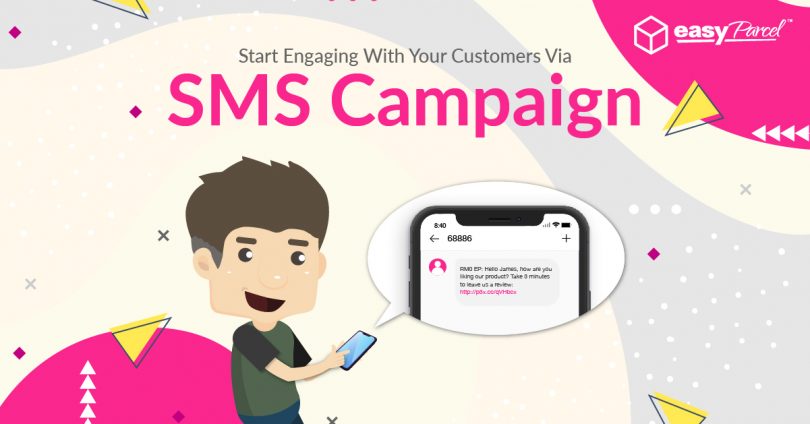
In today’s mobile-first world, SMS marketing can be an impressive way with a proven of 90 percent of all text messages are read within 3 minutes since their delivery.
Don’t leave yourself behind with this powerful marketing strategy as we’re here to help with our newly launched SMS Campaign. You can now reach your customers that have auto-saved in your Address Book fast with personalized messages at RM0.20/SMS.
Aside from that, you may also blast SMS via EasyParcel’s SMS campaign to audiences out from your Adddress Book by simply importing your customer details into your Address Book. Be sure to check out the message samples below to bring your business to the next level:-
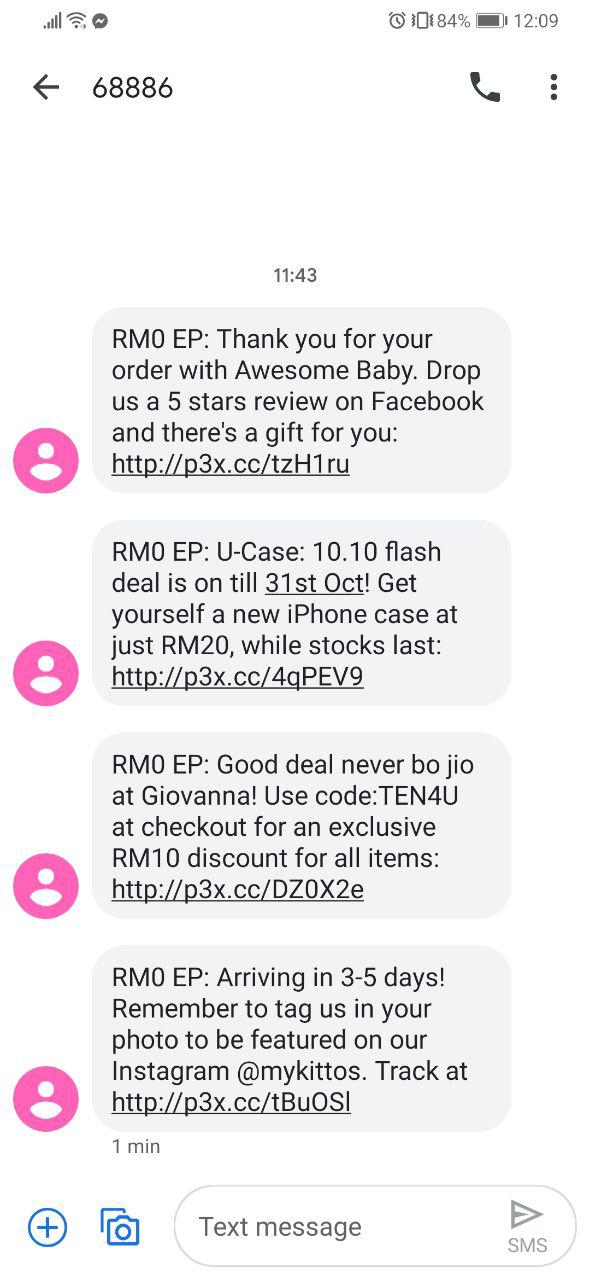
Here's How To Create Your SMS Campaign (With Ready-To-Use Templates)
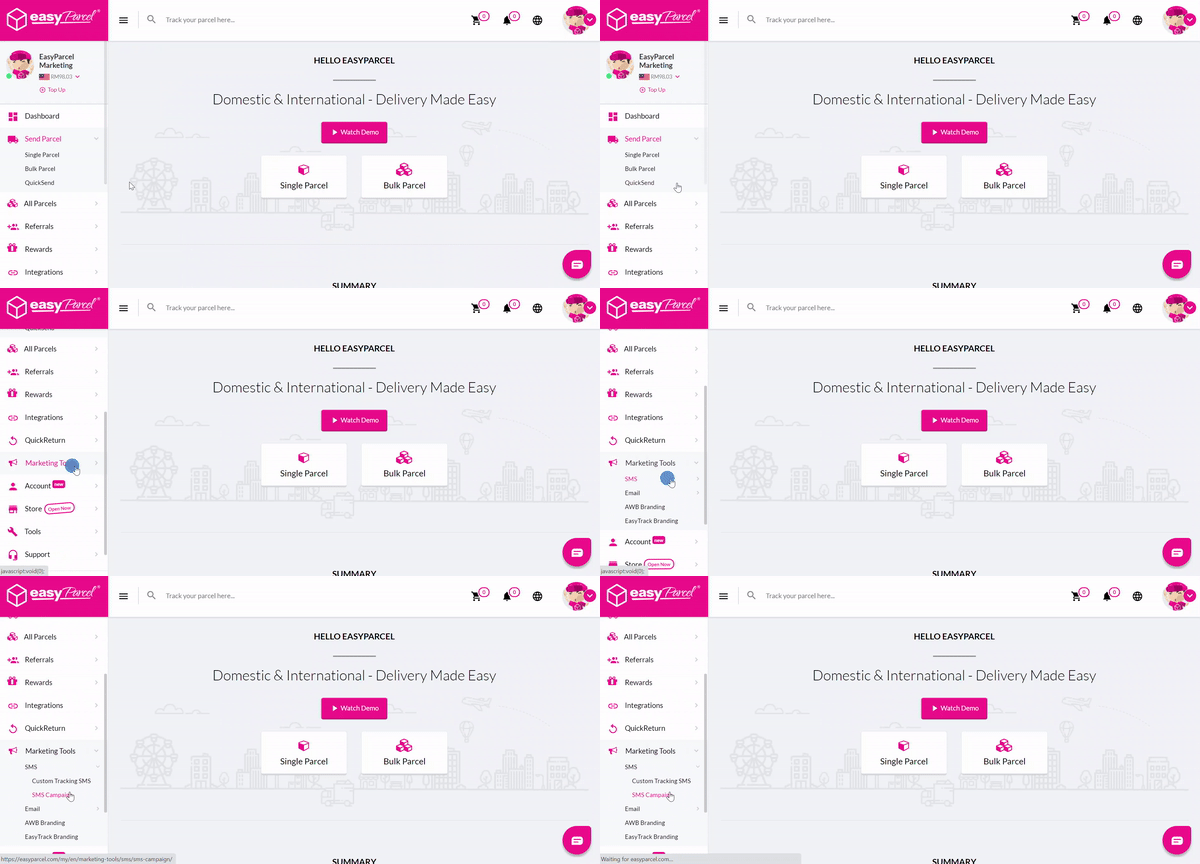
Step 1: Go to “Marketing Tools” and click on “SMS” > “SMS Campaign”.
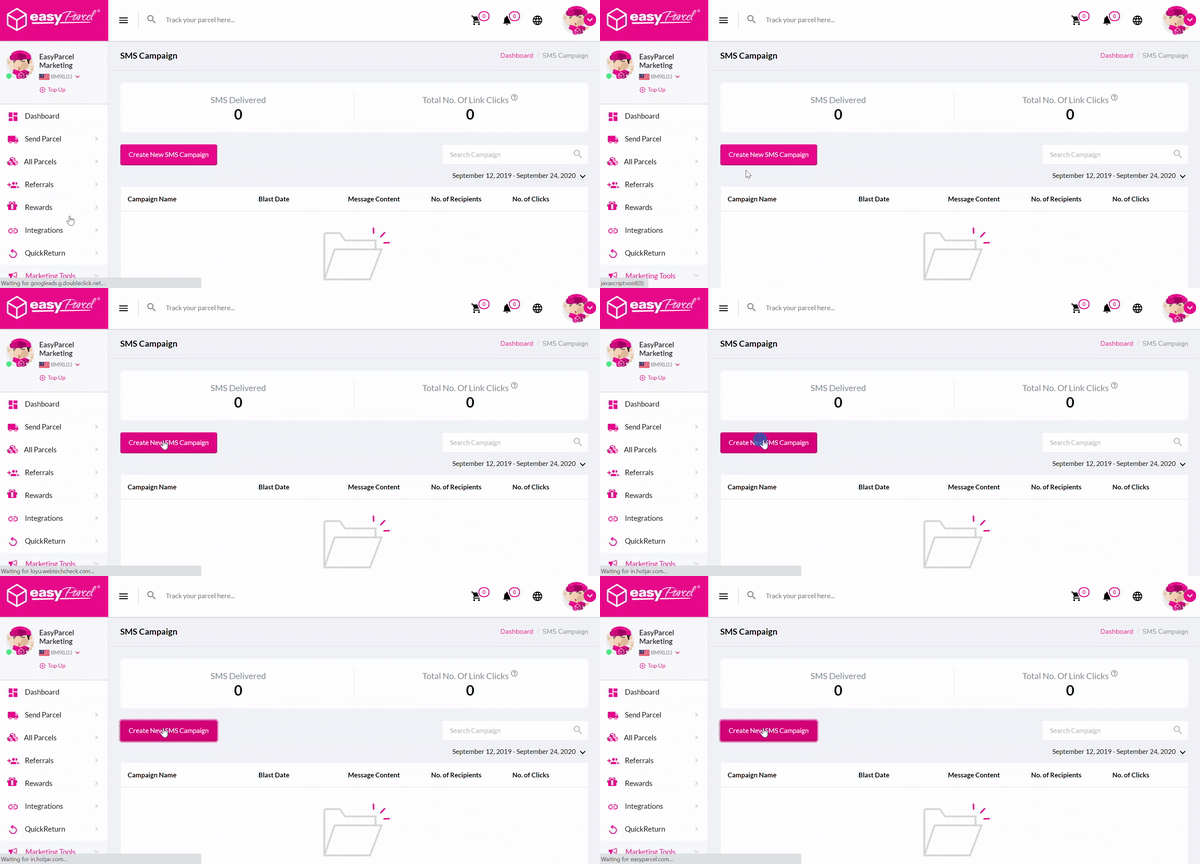
Step 2: Click on the “Create New SMS Campaign” button.
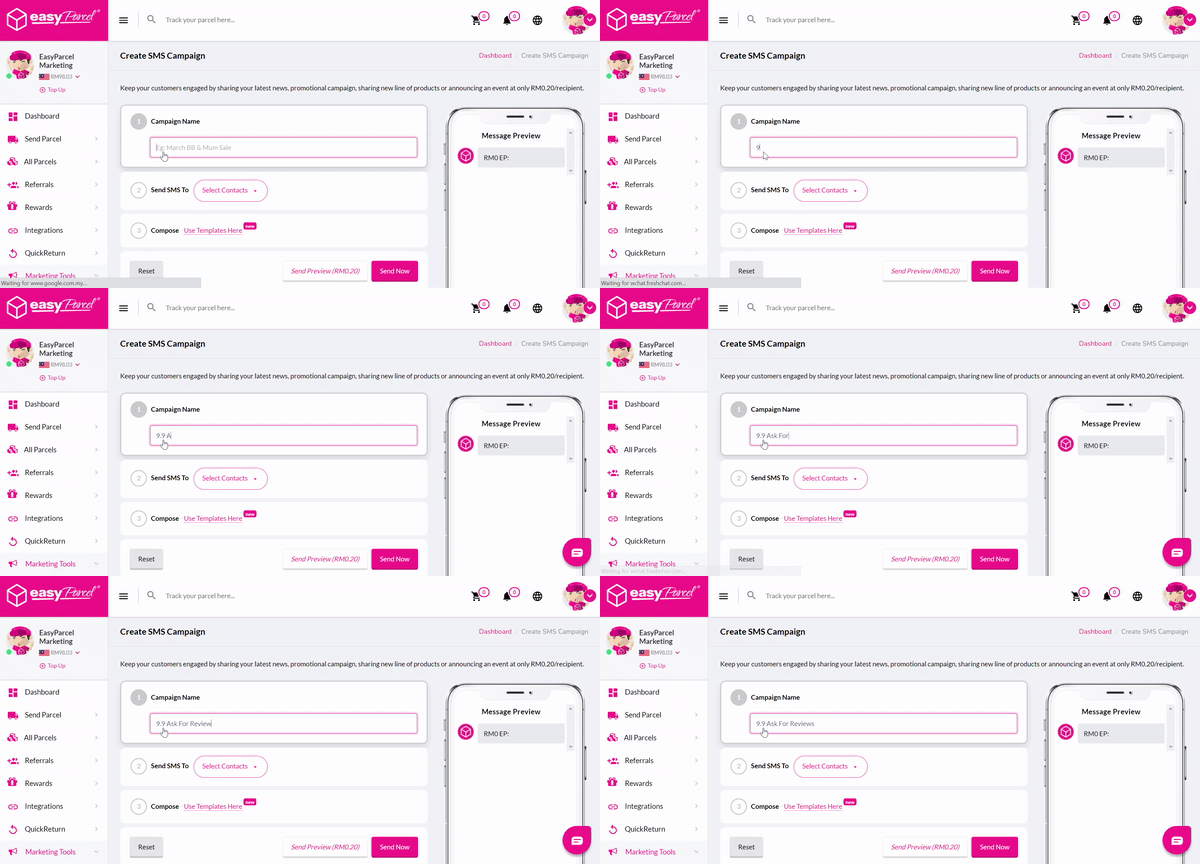
Step 3: Write the campaign name that only visible to you.
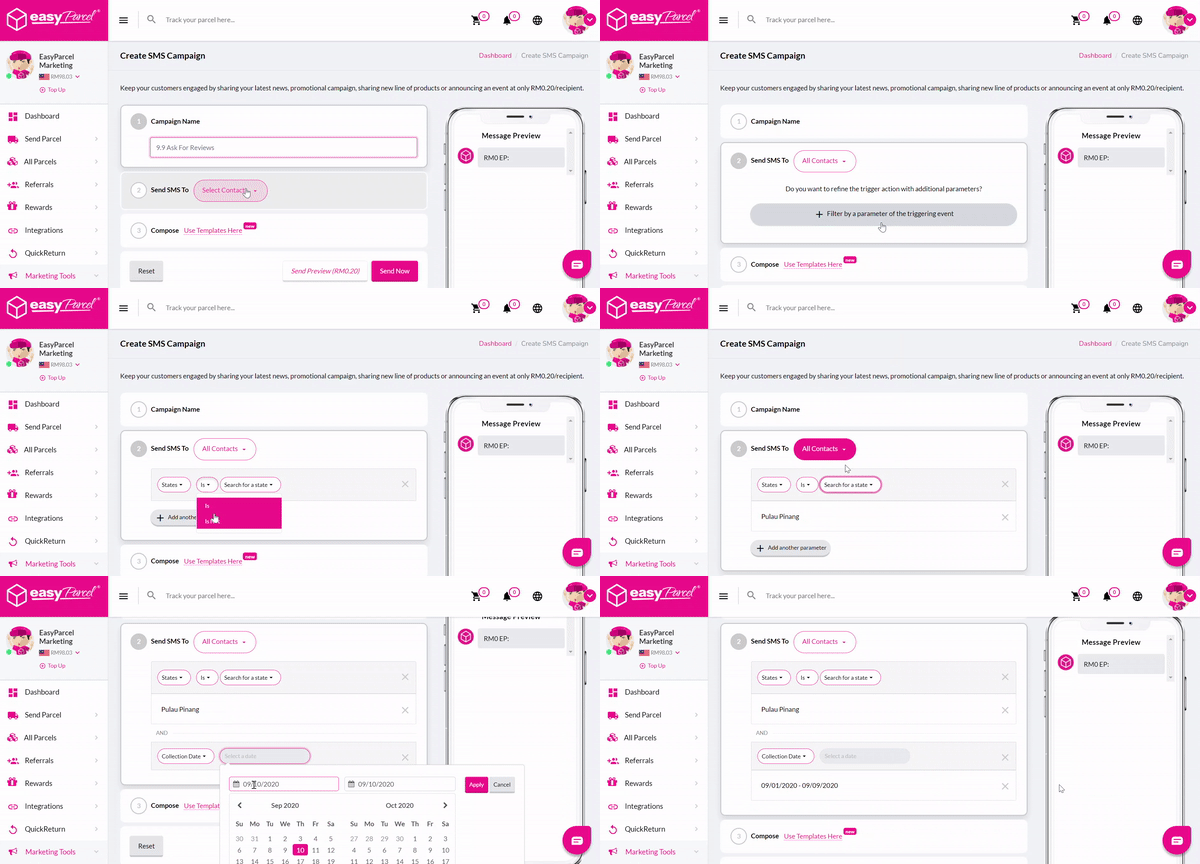
Step 4: Choose your target audience. At here, you can choose to blast to all contacts in your address book or selected groups only.

Step 5: Craft the message on your own or utilise our ready-to-use templates.
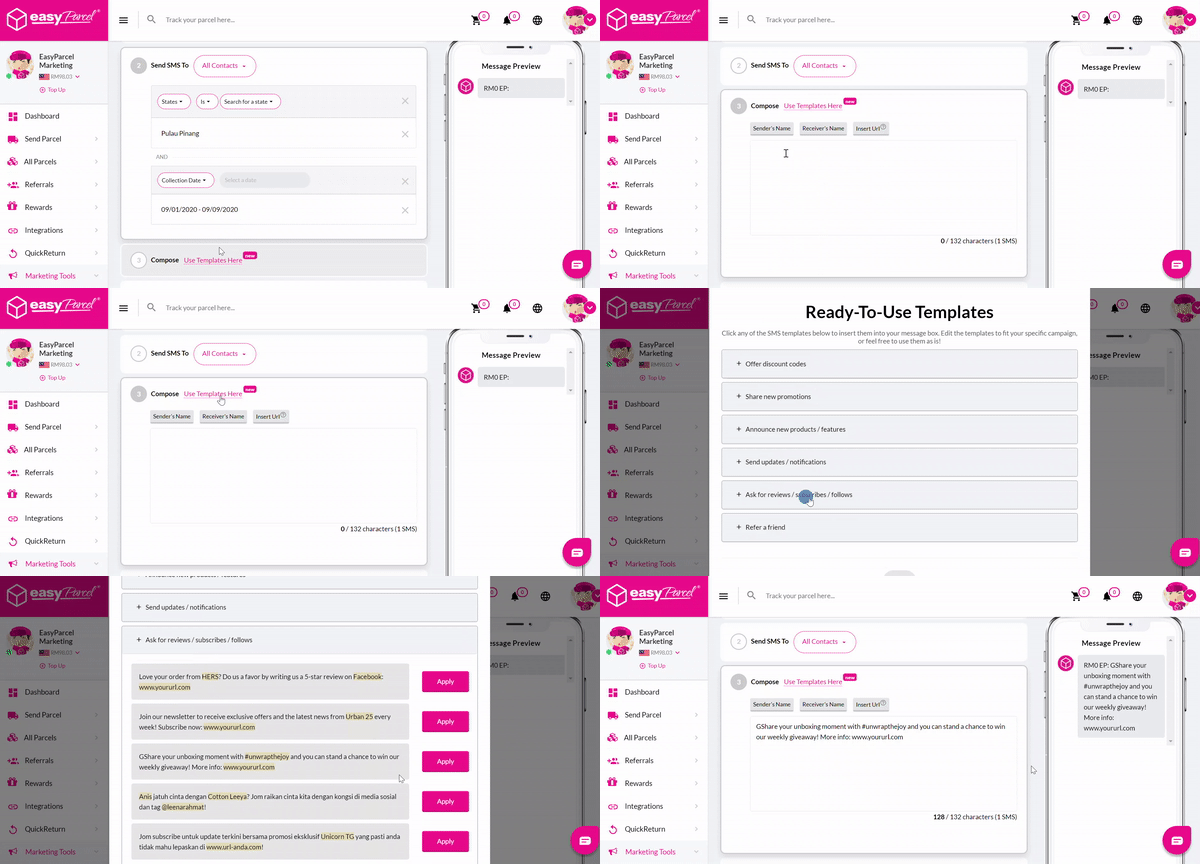
Step 6: Your message is ready to go with a click on “Send Now”.
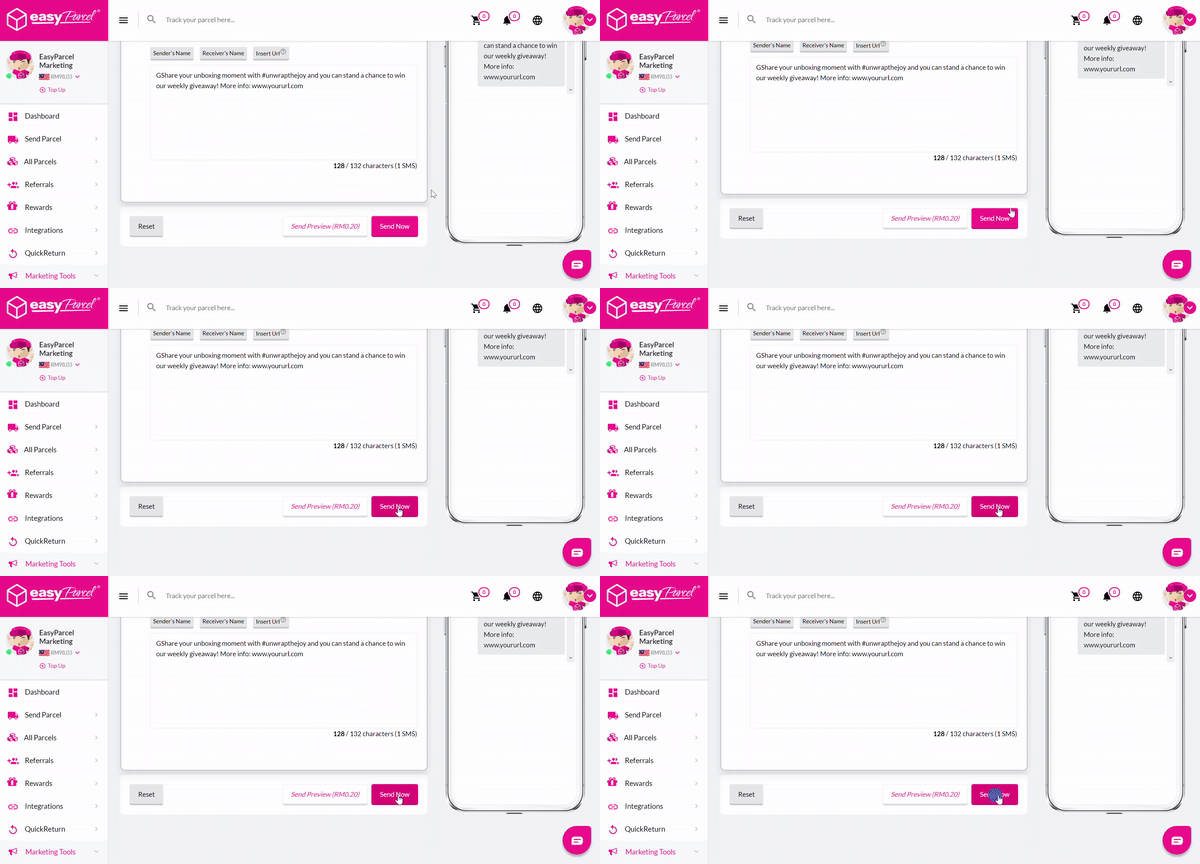
Simple Steps To Import Contact Details Into Address Book For SMS Blasting

Terms & Conditions:-
- All contents created for your own marketing purposes under EasyParcel Marketing Tools must NOT fall under:
– Illegal products or services
– Discriminatory practices
– Alchohol & tobacco products
– Drugs & drug-related products
– Weapons, ammunition, or explosives
– Adult products, services & content
– Violent & gore content
– Political, religious and racial content
– Misleading or false content
– Profanity and vulgar languages
– Gambling
– Counterfeit products & services
– Prohibited financial products and services
– Controversial content - Only English and Bahasa Malaysia language is allowed for all EasyParcel Marketing Tools – except for Custom Tracking Email (Mandarin language and emoji supported).
- NO refunds will be given:
– Once payment for EasyParcel Marketing Tools is completed
– If the design does not comply to our guidelines
– For the day loss due to designs failure in complying to our guidelines